Pairing your phone with your car’s bluetooth system makes driving more convenient, safer, and less distracting. You can take calls hands-free, stream music, hear navigation prompts, and keep your phone out of your hands while on the road. If you have searched for how to connect phone to bluetooth in car, this guide walks you through the process in a simple, beginner-friendly way. Most modern vehicles and smartphones follow the same basic steps, even if menu names vary. The key is to prepare both devices, confirm the pairing code, allow the right permissions, and test everything before you start driving.

Bluetooth technology has revolutionized how we interact with our cars and mobile devices, making it easier and safer to stay connected while on the move. Whether you’re setting it up for the first time or troubleshooting a connection issue, learning how to link your phone to your car’s Bluetooth system can enhance your driving experience significantly. With just a few simple steps, you can enjoy hands-free convenience and focused driving every time you hit the road.
Why Connecting Your Phone To Car Bluetooth Matters
Connecting your phone to car bluetooth helps you stay focused while using essential phone features. Instead of holding your phone, you can answer calls through the car’s speakers, follow voice-guided directions, and control audio from the dashboard or steering wheel.
It also improves sound quality compared with a phone speaker and reduces cable clutter inside the cabin. For many drivers, bluetooth becomes part of a safer routine because it limits the need to look down at the screen.
The biggest benefit is convenience with control. Once paired correctly, your phone can reconnect automatically when you start the car, saving time and making every drive smoother.
Step-By-Step Guide To Connecting Your Phone To Car Bluetooth
Step 1: Check Your Car’s Bluetooth Support
Before changing phone settings, confirm that your car supports bluetooth pairing. Many newer cars include it as a standard feature, but some older models may only support calls, not music streaming. Look for a bluetooth option on the infotainment screen, audio menu, phone menu, or steering wheel controls.
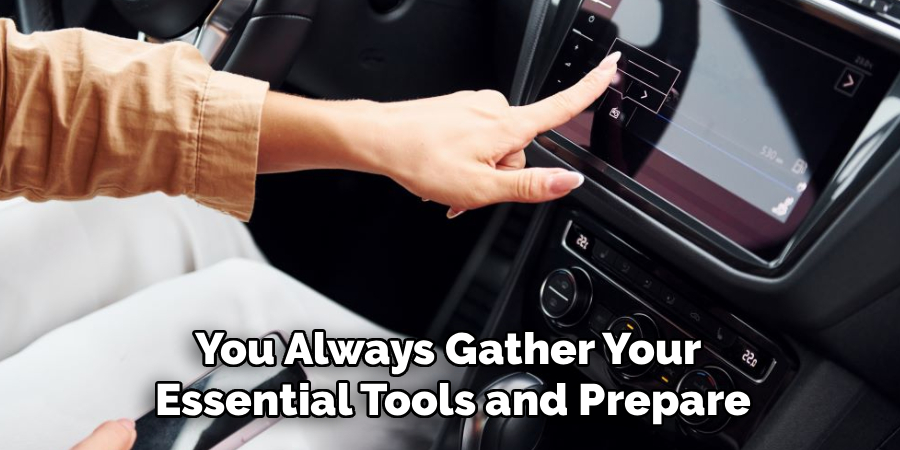
If you are unsure, check the owner’s manual or search the car’s model year and trim level. Some vehicles require the ignition to be on or in accessory mode before the system appears. Knowing what your car supports helps you avoid confusion and saves time during setup.
Step 2: Turn On Bluetooth On Your Phone
Open your phone’s settings and turn on bluetooth. On most iPhones, you can find it under Settings, then Bluetooth. On most Android phones, it appears under Settings, then Connected Devices, Bluetooth, or Connections, depending on the brand.
Keep the bluetooth screen open while pairing. This helps your phone search for nearby devices and makes it easier to select your car when it appears. Make sure your phone has enough battery and is not in airplane mode. If bluetooth was already on, turning it off and back on can refresh the connection list.
Step 3: Put The Car System In Pairing Mode
Next, set your car’s bluetooth system to pairing mode. Use the infotainment screen or voice command button to open the phone or bluetooth menu. Choose an option such as add device, pair new device, connect phone, or bluetooth setup.
This is the point where many drivers learn how to connect phone to bluetooth in car because the car and phone must be visible to each other at the same time. If the car does not appear on your phone right away, wait a few seconds. Some systems take a moment to broadcast their bluetooth name.
Step 4: Select Your Car From The Phone
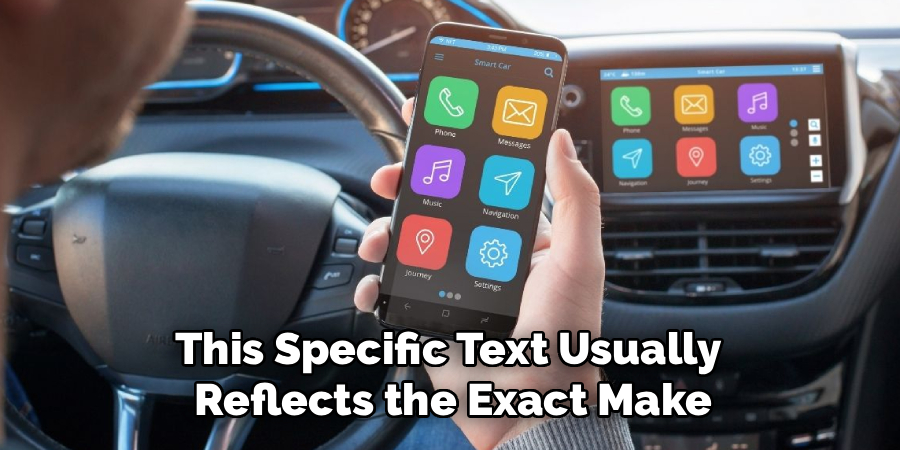
Once your car is in pairing mode, look at the available devices list on your phone. Your vehicle may appear as the car brand, model name, infotainment system name, or a generic label such as handsfree or multimedia.
Tap the correct name to start pairing. If you see several devices nearby, choose carefully so you do not connect to another car or speaker. If the name is unclear, check the car’s screen because it often displays the exact bluetooth name. Stay close to the vehicle during this step so the signal remains strong.
Step 5: Confirm The Pairing Code
After you select the car, both screens may show a pairing code. Compare the number on your phone with the number on the car display. If they match, confirm or accept the request on both devices.
This code helps prevent your phone from connecting to the wrong vehicle. Do not approve the request if the numbers are different or if you did not start the pairing process. Some older cars use a default code such as 0000 or 1234. If that happens, enter the code shown in the manual or on the car screen.
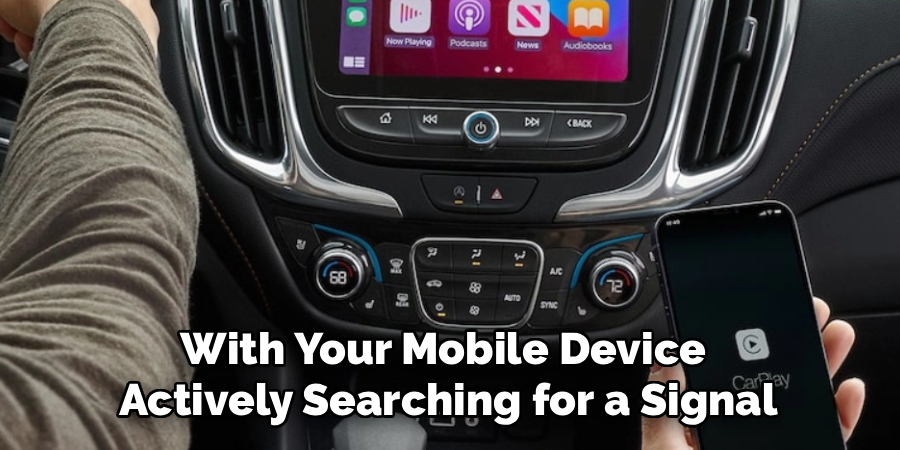
Step 6: Grant Calls And Audio Permissions
After pairing, your phone may ask whether the car can access contacts, call history, messages, media audio, or phone audio. For hands-free calling, allow phone and contacts access if you want caller names to show on the screen. For music, podcasts, and navigation prompts, allow media audio.
This step is important when learning how to connect phone to bluetooth in car because pairing alone may not enable every feature. If calls work but music does not, or music works but calls do not, permissions are often the reason. You can adjust these settings later in your phone’s bluetooth device menu.
Step 7: Test Music And Hands-Free Calling
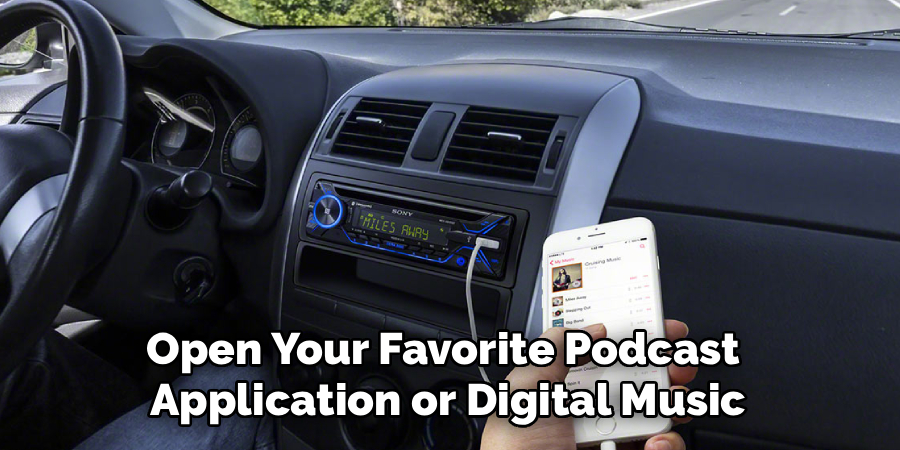
Before driving, test the connection while the car is parked. Play a song, podcast, or navigation instruction and check whether the sound comes through the car speakers. Adjust the volume on both the phone and the car, since some systems use separate volume levels for calls and media.
Next, make a quick test call or use voicemail to confirm that the microphone works. Speak in a normal voice and listen for echo, delay, or low volume. If the sound is unclear, move the phone away from other electronics and check whether the correct audio source is selected.
Step 8: Set Up Automatic Reconnection Safely
Most cars reconnect automatically after the first successful pairing. To make this work, leave bluetooth enabled on your phone and keep the car saved in your paired devices list. When you start the vehicle later, wait a short moment for the connection to complete before playing music or making a call.
If more than one phone is paired, the car may connect to the last used device or the primary phone. You can usually change priority in the vehicle’s bluetooth settings. For safety, finish setup before shifting into drive and use voice commands or steering wheel controls whenever possible.
Frequently Asked Questions
Why Won’t My Phone Find My Car’s Bluetooth?
Your phone may not find the car if the vehicle is not in pairing mode, bluetooth is off, or another phone is already connected. Start by turning bluetooth off and on again on your phone. Then restart the car’s pairing process. If the car still does not appear, delete old devices from the car system and try again while parked close to the dashboard.
Why Does My Car Connect For Calls But Not Music?
This usually happens when media audio permission is turned off. Open your phone’s bluetooth settings, tap the information icon or settings gear next to your car, and check the audio options. Make sure media audio is enabled. Some older vehicles only support hands-free calling and do not support music streaming through bluetooth, even if phone calls work correctly.
Can I Pair More Than One Phone To The Same Car?
Most modern cars can store several paired phones, but they usually connect to only one or two at a time. One phone may handle calls while another plays music, depending on the system. If the wrong phone connects first, open the car’s bluetooth menu and choose the preferred device. You can also turn bluetooth off on the phone you do not want connected.
Why Does My Phone Keep Disconnecting From The Car?
Frequent disconnection can come from low battery, software bugs, weak signal, or too many saved bluetooth devices. Update your phone software and restart both the phone and car system. If the issue continues, delete the car from your phone and delete the phone from the car, then pair them again. This often clears old connection errors.
Is It Safe To Use Bluetooth While Driving?
Bluetooth can make driving safer than holding a phone, but it can still distract you. Set up music, navigation, and calls before you move. Use voice commands when possible, keep conversations short, and avoid browsing playlists while driving. If a task requires looking at the screen for more than a moment, pull over safely before using your phone.
Conclusion
A reliable bluetooth connection starts with a simple process: check support, enable bluetooth, put the car in pairing mode, confirm the code, allow permissions, and test calls and audio before driving. If something does not work, the fix is often as simple as restarting bluetooth, checking permissions, or deleting and re-pairing the device.
Once you know how to connect phone to bluetooth in car, you can enjoy hands-free calls, clearer audio, and easier navigation on every trip. Set it up while parked, keep your attention on the road, and use your car’s controls or voice features whenever possible. A few careful minutes of setup can make your daily drive safer and more convenient.

About
Ora Hayes is a distinguished figure in the world of DIY Thecarfixes, with over a decade of expertise in automotive diagnostics and high-performance maintenance. Her professional focus lies in merging mechanical precision with modern digital tools, fostering repair solutions that are both cost-effective and highly reliable. As the author of Thecarfixes, Ora Hayes delves into the art and science of automotive restoration, inspiring car owners and hobbyist mechanics alike.
Education
RMIT University (Melbourne, Australia) Associate Degree in Automotive Engineering — Focus on vehicle dynamics, industry-driven repair protocols, and advanced diagnostics. Gained hands-on experience with traditional mechanical tools and modern ECU remapping software.
Nottingham Trent University (United Kingdom) Bachelor’s in Mechanical Design and Automotive Engineering (Honors) — Specialized in automotive systems with a focus on blending technical engineering with everyday usability. Participated in industry projects, working with leading automotive manufacturers to gain real-world insights into vehicle longevity.
Publications and Impact
In Thecarfixes, Ora Hayes shares her insights on troubleshooting complex engine issues, material durability, and strategies for efficient garage setups. Her writing bridges the gap between professional mechanic knowledge and the home enthusiast’s needs, making it a must-read for both everyday drivers and seasoned gearheads.