Remote start can make your Subaru more comfortable before you even open the door. It can warm the cabin on cold mornings, help clear frost from the windshield, and cool the interior during hot weather. If you searched for how to remote start subaru, the key thing to know is that the process depends on your model year, trim, key fob, app access, and installed equipment.
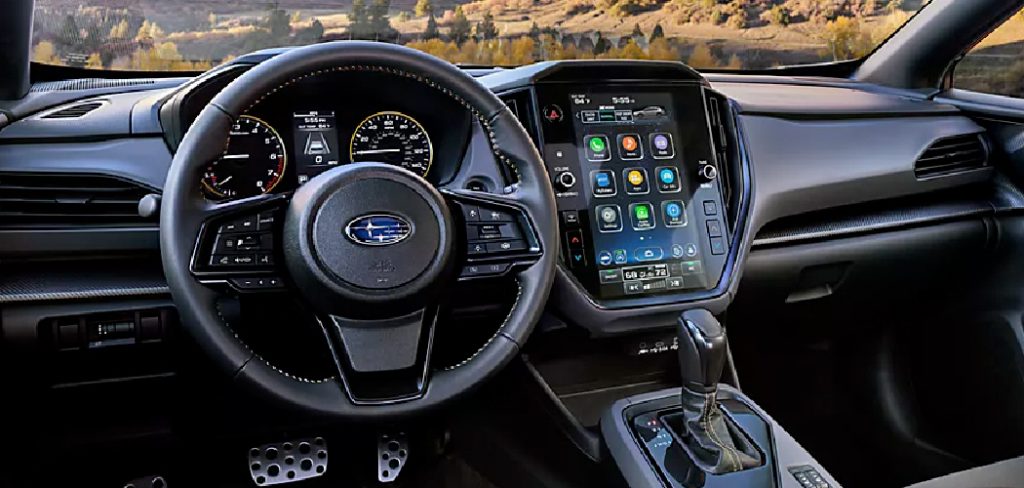
This beginner-friendly guide explains the safest way to confirm whether your Subaru supports remote start, how to use the key fob or MySubaru app when equipped, and what to check if the feature does not work. You will also learn important safety rules, including why you should never remote start a vehicle in an enclosed garage.
Why Remote Starting A Subaru Matters
Remote starting a Subaru adds comfort, convenience, and better visibility before you drive. In winter, it can help warm the cabin and start the defrosting process. In summer, it can cool the interior so the seats, steering wheel, and air feel less harsh when you get in.
It also saves time during busy mornings, errands, and daily commutes. However, remote start is not the same on every Subaru. Availability depends on the model, year, trim, subscription status, and installed remote start system.
Used correctly, remote start is a helpful feature. Used carelessly, it can create safety risks. Always check your owner’s manual, follow local idling rules, and never use remote start in an enclosed garage because carbon monoxide can build up quickly.
Step-By-Step Guide To How to Remote Start Subaru
Before using any how to remote start subaru instructions, remember that Subaru systems vary. Some vehicles use a factory remote start key fob, some use a separate accessory remote, and many newer models use the MySubaru app with connected services. Your owner’s manual is the best source for exact steps for your vehicle.
Step 1: Confirm Your Vehicle Supports The Feature
Start by checking whether your Subaru actually has remote start. Not every Subaru includes it, even if the key fob looks modern or the vehicle has push-button start. Remote start may be standard, optional, dealer-installed, or unavailable depending on the model and trim.
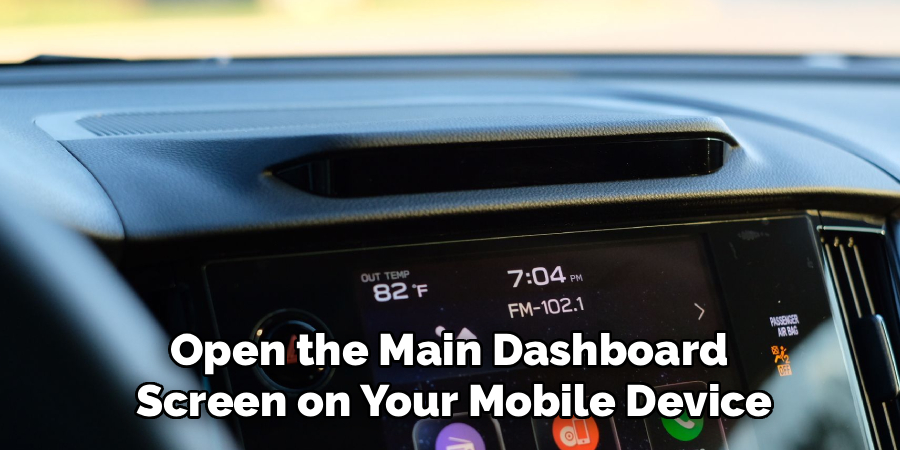
Look in your owner’s manual, original window sticker, dealer paperwork, or Subaru account. You can also contact a Subaru dealer and provide your vehicle identification number. The dealer can tell you which factory equipment and accessories are linked to your vehicle. This step prevents confusion and helps you avoid trying button sequences that your vehicle does not support.
Step 2: Identify Your Remote Start Method
After confirming support, figure out which remote start method your Subaru uses. Some systems work through a factory key fob with a specific button sequence. Others use a separate remote start fob that was installed as an accessory. Newer Subaru models may offer remote engine start through the MySubaru app.
This matters because the process is different for each setup. A key fob system depends on signal range and button timing. The app method depends on an active subscription, account setup, cellular coverage, and vehicle connectivity. If you are unsure, compare your fob buttons with the manual or ask a dealer to explain the installed system.
Step 3: Park In A Safe And Legal Area
Remote start should only be used when the vehicle is parked safely. Choose a flat, stable, open area where the exhaust can flow freely. Make sure the Subaru is not parked in a closed garage, tight structure, or space where exhaust could enter a home or building.
Carbon monoxide is odorless and dangerous, so ventilation matters. You should also check local idling laws, especially in neighborhoods, parking lots, workplaces, and schools. Some areas limit how long a vehicle can idle unattended. Safe parking protects people nearby and helps you use remote start responsibly.
Step 4: Prepare The Vehicle Before You Shut It Off
For remote start to work later, the Subaru usually needs to be left in the right condition. The transmission should be in park, the doors should be closed, and the hood should be fully latched. Most systems also require the doors to be locked before the engine will start remotely.
Set your climate controls before turning off the vehicle. If you want heat in winter, set the temperature and defroster before exiting. If you want cooling in summer, set the air conditioning as needed. Remote start can only work with the settings your vehicle allows, so preparing the cabin ahead of time improves the result.
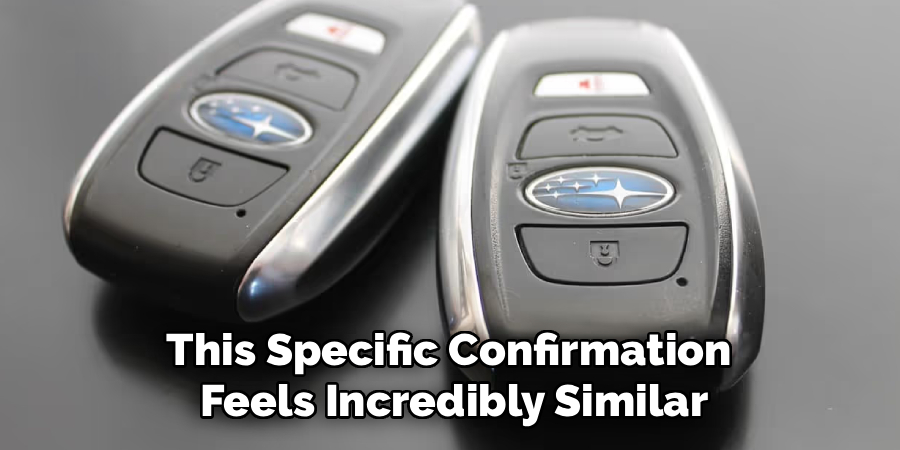
Step 5: Use The Key Fob Sequence
If your Subaru has key fob remote start, follow the sequence listed in your owner’s manual. Many systems require pressing the lock button first, then pressing and holding a remote start button for a few seconds. Some accessory remotes use a dedicated button with a circular arrow symbol.
Watch for confirmation from the parking lights, horn, or exterior lamps. These signals vary by model and system. If the engine starts, the vehicle should stay locked for security. Do not press buttons too quickly, and stay within the proper range. If it fails, wait a moment before trying again so the system can reset.
Step 6: Use The MySubaru App When Equipped
Many newer Subaru vehicles support remote start through the MySubaru app, but the feature usually requires compatible equipment and an active connected services subscription. Open the app, sign in, select your vehicle, and look for remote services. The app may ask you to confirm your command before sending it.
When following how to remote start subaru guidance for the app, remember that the request may take a short time to reach the vehicle. Signal strength, subscription status, and vehicle readiness all matter. If the app shows a failure message, check your phone connection, account status, and whether the vehicle is parked in an area with coverage.
Step 7: Understand Run Time And Driving Rules
Remote start does not let your Subaru run forever. Most systems shut the engine off automatically after a set time to save fuel, reduce emissions, and protect safety. The exact run time depends on the model, year, and installed system. Some vehicles allow a second cycle, while others limit repeated starts.
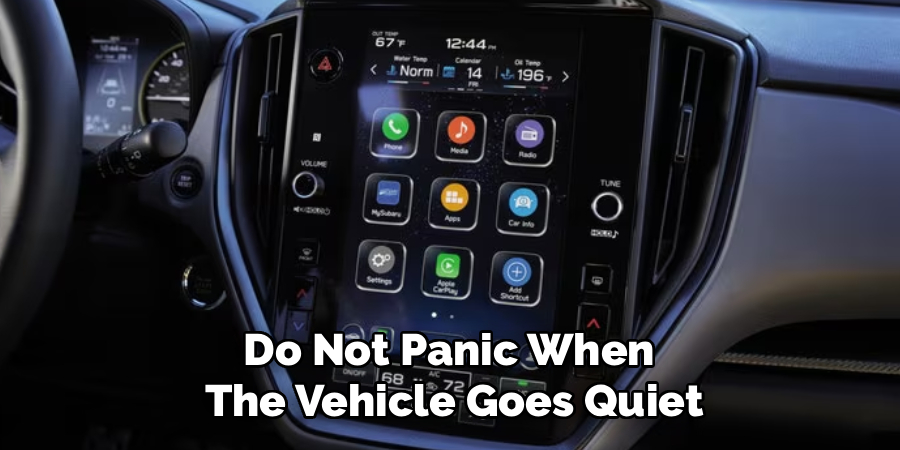
When you enter the vehicle, you may need to complete the normal start process before driving. With push-button start, this often means pressing the brake and pushing the start button while the key is present. If you try to shift without proper authentication, the engine may shut off as a security measure.
Step 8: Troubleshoot Common Remote Start Problems
If remote start does not work, begin with the basics. Make sure the doors are closed and locked, the hood is fully latched, the vehicle is in park, and the key fob battery is not weak. Check the fuel level and look for warning lights that may block remote start.
For app-based systems, confirm your subscription, login, phone signal, and vehicle connection. If the engine starts and shuts off quickly, the system may have detected a safety issue or failed condition. Review your owner’s manual for lockout rules. If the problem continues, a Subaru dealer or qualified technician can inspect the remote start module, software, battery, hood switch, and related sensors.
Frequently Asked Questions
Does Every Subaru Come With Remote Start?
No, every Subaru does not come with remote start. Availability depends on the model, year, trim level, market, and installed equipment. Some vehicles have factory remote start, some need an accessory kit, and others rely on connected services through the MySubaru app. The easiest way to confirm is to check your owner’s manual or contact a Subaru dealer with your VIN.
Can I Remote Start My Subaru With A Regular Key Fob?
Some Subaru models can remote start with a key fob, but not all regular key fobs support the feature. Your vehicle may need a dedicated remote start button, a separate accessory remote, or a specific factory setup. If pressing lock or other buttons does nothing, do not assume the system is broken. First confirm that remote start is installed.
Why Does My Subaru Remote Start Turn Off?
A Subaru may turn off after remote start because the run time limit ended, the brake was pressed before authentication, a door was opened incorrectly, or the system detected a safety condition. Low fuel, an open hood, weak battery, or active warning light may also stop operation. Your owner’s manual explains the exact shutoff rules for your model.
Is It Safe To Remote Start A Subaru In A Garage?
No, it is not safe to remote start a Subaru in an enclosed garage. Exhaust contains carbon monoxide, which can be deadly because you cannot see or smell it. Even a short idle time can create danger if fumes build up. Only use remote start outdoors or in a well-ventilated area where exhaust can escape safely.
Do I Need A Subscription For Subaru Remote Start?
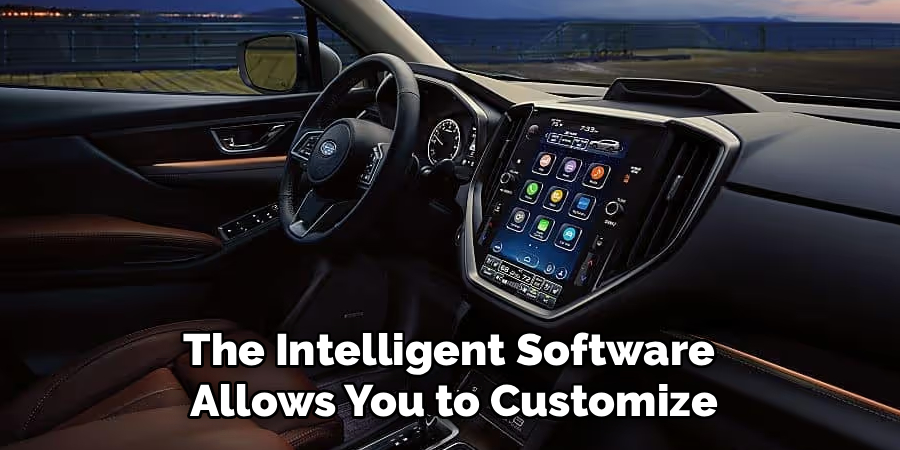
You may need a subscription if your Subaru uses the MySubaru app for remote engine start. App-based remote services usually require compatible connected vehicle hardware, enrollment, and an active plan. A key fob-based remote start system may not need a subscription. Since Subaru features vary by year and trim, check your account, manual, or dealer records.
Conclusion
Remote starting a Subaru is simple once you know which system your vehicle uses. First, confirm that your model supports the feature. Then identify whether it works through a key fob, accessory remote, or the MySubaru app. Before starting, make sure the vehicle is parked safely, the doors are locked, the hood is closed, and the exhaust area is clear.
If remote start fails, check the simple causes first, such as a weak fob battery, open hood, low fuel, app subscription issue, or poor signal. Always follow your owner’s manual and avoid enclosed spaces because carbon monoxide is a serious risk. Learning how to remote start subaru helps you use the feature safely, confidently, and with fewer frustrating mistakes.

About
Ora Hayes is a distinguished figure in the world of DIY Thecarfixes, with over a decade of expertise in automotive diagnostics and high-performance maintenance. Her professional focus lies in merging mechanical precision with modern digital tools, fostering repair solutions that are both cost-effective and highly reliable. As the author of Thecarfixes, Ora Hayes delves into the art and science of automotive restoration, inspiring car owners and hobbyist mechanics alike.
Education
RMIT University (Melbourne, Australia) Associate Degree in Automotive Engineering — Focus on vehicle dynamics, industry-driven repair protocols, and advanced diagnostics. Gained hands-on experience with traditional mechanical tools and modern ECU remapping software.
Nottingham Trent University (United Kingdom) Bachelor’s in Mechanical Design and Automotive Engineering (Honors) — Specialized in automotive systems with a focus on blending technical engineering with everyday usability. Participated in industry projects, working with leading automotive manufacturers to gain real-world insights into vehicle longevity.
Publications and Impact
In Thecarfixes, Ora Hayes shares her insights on troubleshooting complex engine issues, material durability, and strategies for efficient garage setups. Her writing bridges the gap between professional mechanic knowledge and the home enthusiast’s needs, making it a must-read for both everyday drivers and seasoned gearheads.